
How Generative AI Is Changing the Way Businesses Work
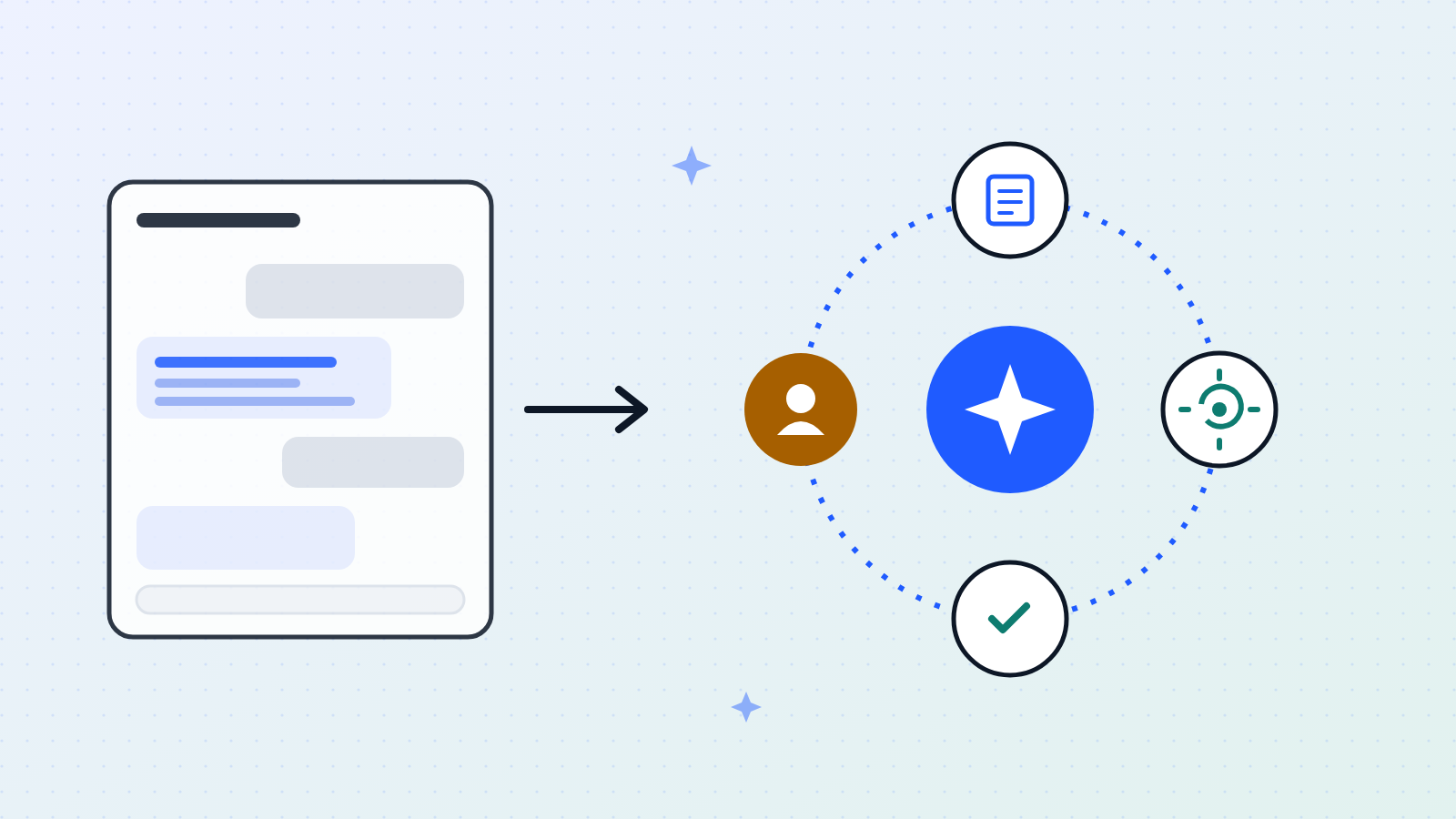
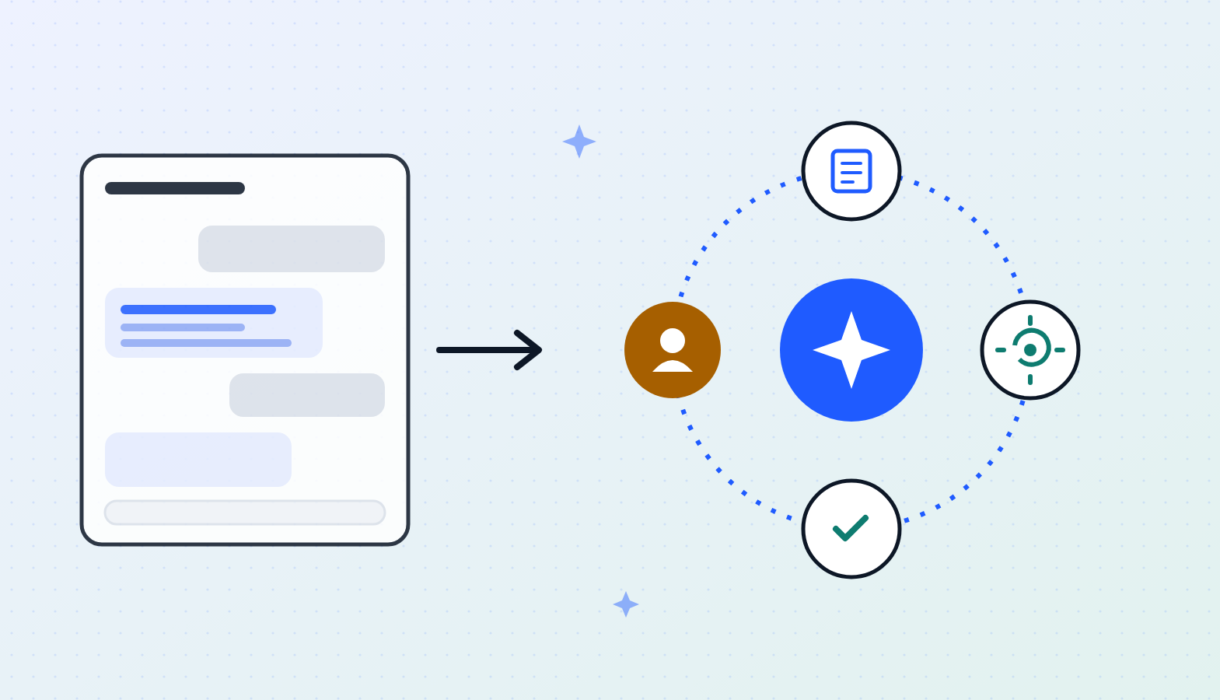
Two years ago, using generative AI at work mostly meant typing questions into a chatbot and pasting the answers into emails and slides. Useful — but limited, and risky when it came to accuracy and data privacy. Now the technology is entering a new phase: AI agents that work in the background, carry out multi-step tasks and check their own work. Here's what's changing, what the research really says about productivity, and how businesses can adopt it safely.
- Generative AI is shifting from chatbots you talk to, toward agents that finish whole tasks on their own.
- The gains are real but uneven: less experienced workers benefit most, and AI can make results worse on tasks it isn't suited to.
- Accuracy is the biggest hurdle. Successful companies build in fact-checking, data protection and human sign-off.
- Start small, measure against a baseline, and scale only what works.
From chatbots to AI agents
The first wave of workplace AI was conversational: you ask, it answers. That's fine for brainstorming or a quick first draft. But when companies try to use chat at scale, they hit three limits:
- A person has to drive every step. Someone must write the prompts, check the answers and copy information between systems by hand.
- It forgets context. A chat window can't, on its own, look up a customer record, pull sales figures and start a follow-up task.
- It can't catch its own mistakes. A standard AI model writes its answer in one go. If it slips up early, it has no built-in way to stop, check and fix it.
An AI agent is software that uses a language model to plan and carry out a task — not just talk about it. You give it a goal; it works out the steps, uses your company's tools and data, and checks the result before handing it over.
This approach is powerful. AI researcher Andrew Ng has shown that an older AI model working step by step in this way often outperforms a newer, more capable model answering in a single shot [1].
How an agent works, in four steps
Plan
Breaks a big goal into smaller tasks. Asked to explain why customers cancelled last quarter, it plans to pull account data, read support tickets, group the reasons and write a summary.
Act
Uses real tools — databases, business software, internal systems — to get current facts instead of relying on what it memorised during training.
Check
Tests its own work against rules before showing it to anyone. If a database query fails, it reads the error, fixes the query and tries again.
Team up or escalate
Splits work between specialist agents — one researches, one writes, one fact-checks — and passes tricky or unclear cases to a person.
Chatbot vs. agent at a glance
Chatbot
- You type a prompt and read the reply
- Works only while you're at the keyboard
- Lives in a browser tab or sidebar
- You have to spot and fix errors
- Produces snippets of text
- Safety depends on someone reading carefully
AI agent
- You set the goal, the rules and what "done" looks like
- Keeps working in the background
- Connected directly to company systems
- Checks its work and retries automatically
- Delivers finished work: reports, updated records, code changes
- Safety is built in: access controls, automatic checks and human sign-off
What the research actually shows
Vendors often promise tenfold productivity. Careful studies tell a more nuanced story: the gains are real, but they depend heavily on the task and on who's doing it.
+14%
more customer issues resolved per hour [2]
+34%
for the least experienced support agents [2]
56% faster
coding with GitHub Copilot [4]
$2.6–4.4 trillion
potential yearly value to the global economy [5]
1. AI helps beginners the most
Researchers from Stanford and MIT studied 5,179 customer support agents at a large software company after it introduced an AI assistant [2]. On average, agents resolved 14% more issues per hour. New and less skilled agents improved by 34% — reaching in two months a level that normally took six. Top performers barely changed.
In effect, the AI passed on the know-how of the best agents to everyone else. There were knock-on benefits too: 25% fewer customers asked to speak to a manager, and staff turnover fell by 8.6%.
2. The "jagged frontier": great at some tasks, harmful at others
Harvard Business School and Boston Consulting Group tested 758 consultants on 18 realistic business tasks [3]. On tasks AI handles well — generating ideas, analysis, business writing — consultants using AI finished 12.2% more tasks, worked 25.1% faster and produced work rated over 40% higher in quality.
But on a tricky problem that required careful reasoning outside AI's strengths, consultants using AI were 19 percentage points less likely to get the right answer than those working without it.
The risk isn't only that AI gets things wrong. It's that people who've seen it succeed stop checking.
The researchers noticed that people who'd had great results with AI grew complacent and accepted its answers without question — what they called "falling asleep at the wheel."
3. Faster software development
In a controlled experiment by researchers from Microsoft, GitHub and MIT, 95 developers were asked to build a simple web server [4]. Those using GitHub Copilot finished in about 71 minutes, compared with 161 minutes without it — 55.8% faster. In everyday use, developers accept roughly 27–30% of the AI's code suggestions, and most say it makes their work more satisfying by taking care of repetitive code.
4. The value is concentrated in four areas
McKinsey analysed 63 uses of generative AI and estimated it could add $2.6 to $4.4 trillion a year to the global economy [5]. About 75% of that value comes from just four areas: customer operations, software engineering, marketing and sales, and research and development.
In the real world
Klarna
In its first month, the payments company's AI assistant handled 2.3 million customer chats — about two-thirds of all support conversations, across 35 countries [6]. Klarna said it did the work of 700 full-time agents, cut average resolution time from 11 minutes to under 2, and could add around $40 million in yearly profit, with customer satisfaction on par with human agents.
Morgan Stanley
The bank gave 16,000 financial advisors an AI assistant that searches more than 100,000 internal research reports and guidelines [7]. Advisors now get sourced answers to complex client questions in seconds, instead of spending hours digging through internal archives.
Keeping AI accurate and safe
Here's the core problem: AI models predict likely words, but businesses need answers that are correct, traceable and compliant. A tool that writes brilliant financial commentary 95% of the time but invents a profit figure the other 5% can't be left to run on its own.
The solution is to match the amount of human oversight to the level of risk:
Let it run
Meeting summaries, searching internal wikis, tidying up code that's covered by automated tests.
Automatic checks + spot-checks
Marketing copy, draft support replies, internal financial summaries. People review random samples, and anything the AI is unsure about goes to a person.
A person signs off every time
Public or regulatory filings, payments and refunds, changes to live systems. The agent prepares the work, attaches its evidence, then waits for approval.
Three safeguards that make it work
- Answers grounded in your own documents. Instead of relying on what it learned in training, the AI first searches company documents and answers only from what it finds — an approach called retrieval-augmented generation (RAG). Every fact links back to its source, and if the answer isn't there, it says so instead of guessing.
- Protecting sensitive data. Business contracts should guarantee the AI provider won't store your data or use it to train its models. Filtering tools remove personal and confidential details before anything is sent, and screen incoming documents for hidden instructions designed to hijack the AI (known as prompt injection).
- Human checkpoints. The risk levels above, built into the workflow so the right person reviews the right work at the right time.
A four-stage plan to get started
The companies seeing real returns aren't the ones running endless pilots — they're the ones following a disciplined plan.
Pick the right problem
Choose tasks that are frequent, time-consuming and low to medium risk — for example, answering requests for proposals, documenting code, supporting customer service agents or comparing contract clauses. Measure how long they take and how often errors happen today, so you can prove the improvement later.
Build the foundations
Choose business-grade AI with strict privacy terms and certified security. Connect it to your documents so answers cite their sources. Build a test set of 100–200 real examples with known correct answers, and use it to measure accuracy before anyone relies on the tool.
Run a careful pilot
Give the tool to 15–30 experienced users. Have a person review everything that leaves the company. Track how often AI drafts are accepted, how much they're edited and where they fail — and train users not to over-trust it.
Scale and redesign the work
The big returns don't come from doing old tasks a little faster. Connect agents directly to core systems like Salesforce, SAP, ServiceNow, GitHub or Jira, and shift people's roles from writing everything themselves to directing and checking the AI's work.
Five lessons for business leaders
- Think agents, not chatbots. Judge AI tools on whether they can plan, use your systems and finish tasks — not on how well they chat.
- Make accuracy a design goal. Bigger models alone won't eliminate mistakes. Invest in source-checking, automated testing and human review.
- Start with your newer staff. The fastest gains come from helping junior and frontline employees work like your best people.
- Guard against complacency. Teach people where AI falls short, and treat unchecked AI output as a business risk.
- Your data is your advantage. AI models are becoming commodities. What sets you apart is your clean, well-organised data and the know-how built into your workflows.
Sources
Every figure in this article comes from the sources below.
- Ng, A. (2024). "What's next for AI agentic workflows." The Batch, DeepLearning.AI.
- Brynjolfsson, E., Li, D. & Raymond, L. R. (2023). "Generative AI at Work." NBER Working Paper 31161; The Quarterly Journal of Economics 140(2), 2025, pp. 889–942. DOI: 10.1093/qje/qjae044.
- Dell'Acqua, F., McFowland, E., Mollick, E. R., Lifshitz-Assaf, H., Kellogg, K., Rajendran, S., Krayer, L., Candelon, F. & Lakhani, K. R. (2023). "Navigating the Jagged Technological Frontier." Harvard Business School Working Paper 24-013; Organization Science, 2025. DOI: 10.1287/orsc.2025.21838.
- Peng, S., Kalliamvakou, E., Cihon, P. & Demirer, M. (2023). "The Impact of AI on Developer Productivity: Evidence from GitHub Copilot." arXiv:2302.06590. Acceptance-rate and satisfaction figures from Kalliamvakou (GitHub, 2022).
- McKinsey Global Institute (June 2023). "The economic potential of generative AI: The next productivity frontier."
- Klarna (February 2024). "Klarna AI assistant handles two-thirds of customer service chats in its first month." Press release.
- Morgan Stanley (September 2023). "Morgan Stanley Debuts AI Assistant for Financial Advisors." Press release.